Case Study | Global Intelligence / Publishing

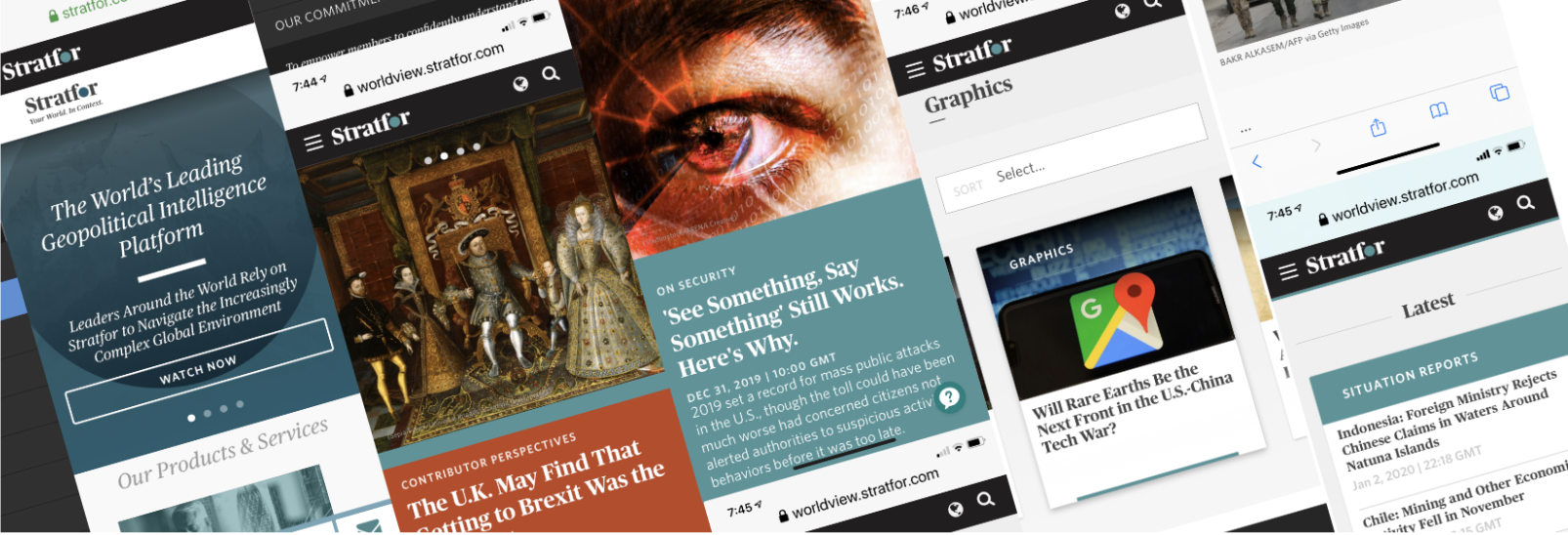
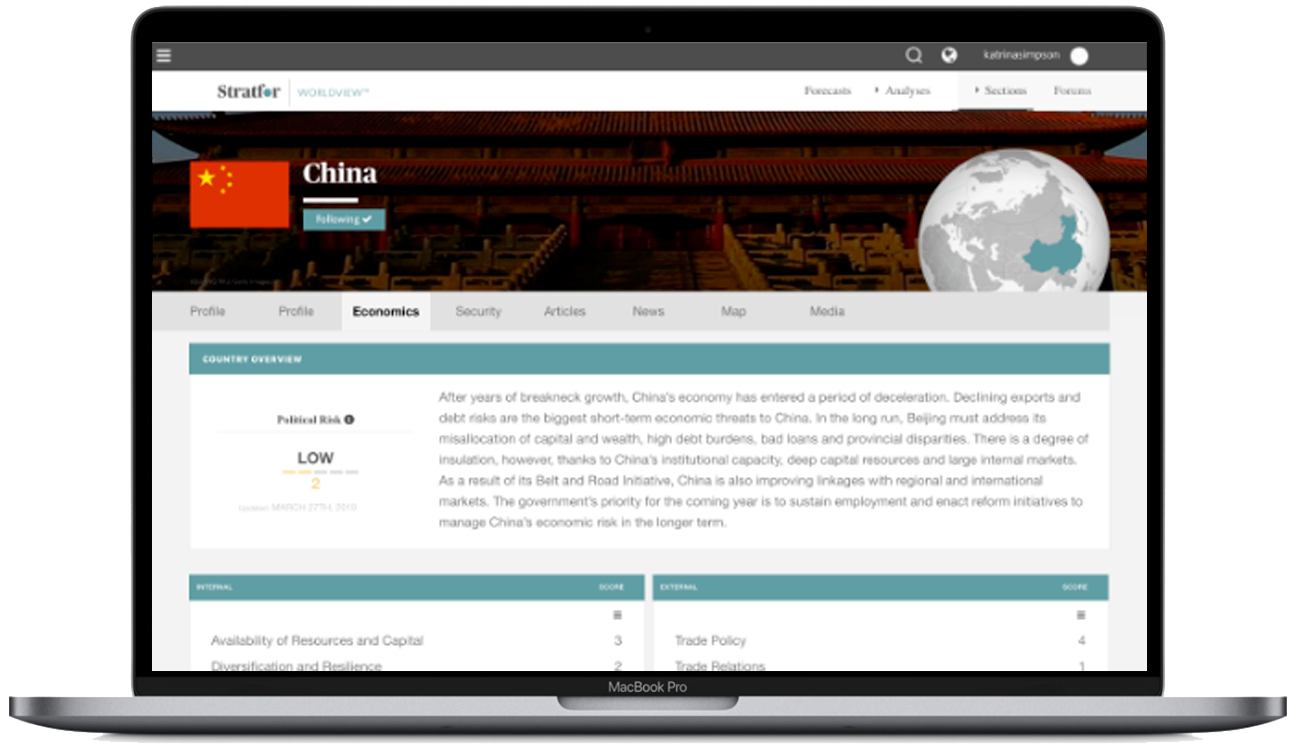
Strafor Worldview Global Threat Intelligence Platform

Product, Interaction Design Strategy

Project Overview

Client: Stratfor
Industry: Global Intelligence / Publishing
Platform: Web, Mobile, Tablet
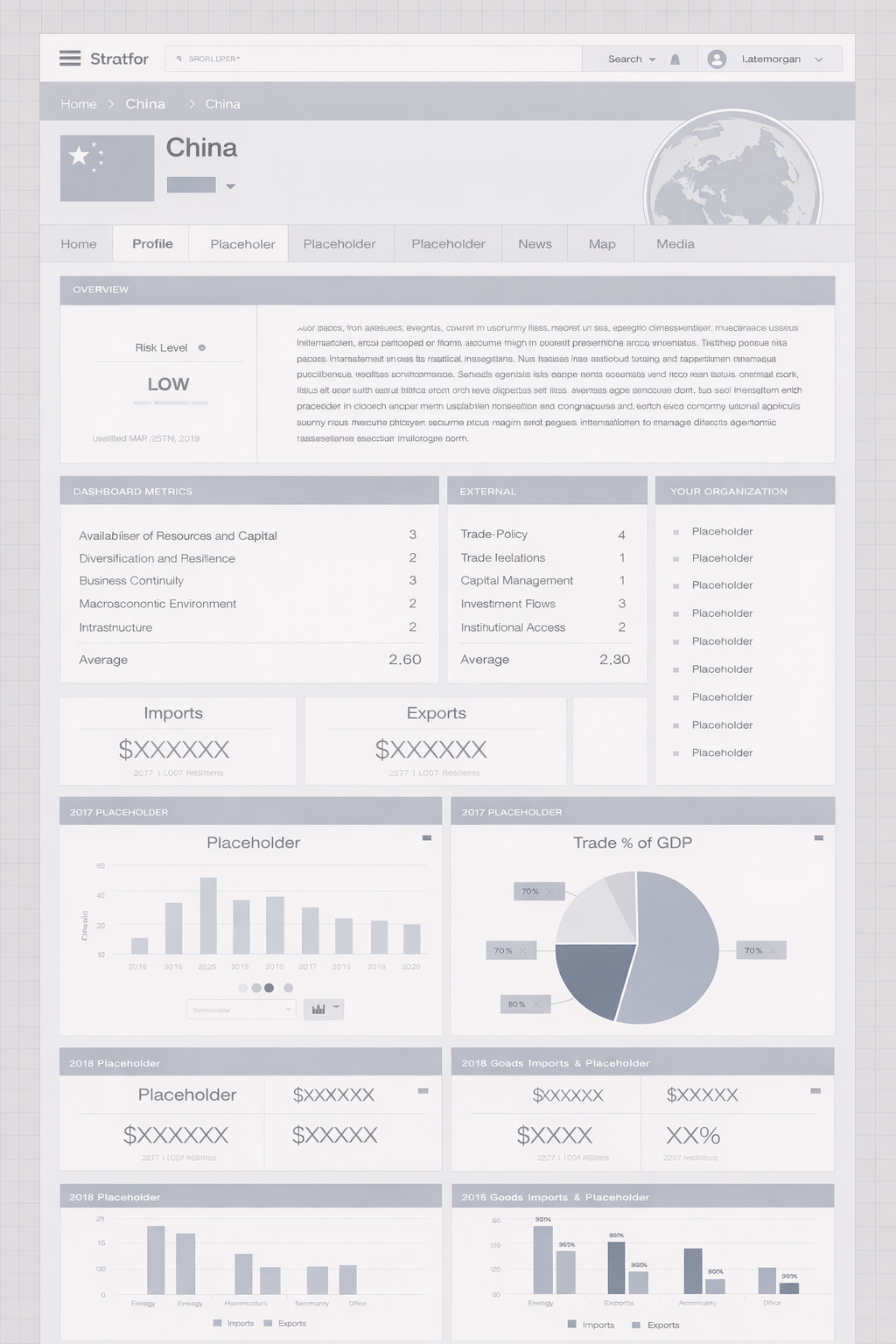
Focus: Dashboard UX, User Profiles, Custom Settings

My Role

  • UX Strategy & Experience Design

  • Interaction Design & Rapid Prototyping

  • Design Systems & UI Components

  • Cross-functional collaboration (Product + Engineering)

  • Documentation (flows, specs, scenarios)

Tools & Deliverables:

  • Figma > Wireframes & Prototypes

  • Mural & Figjam > Whiteboarding and collaboration

  • Qualtrics > Quantitative Research > Competitors Site Analytics

  • ·Documentation > Roadmaps > Use Cases > Benchmarking

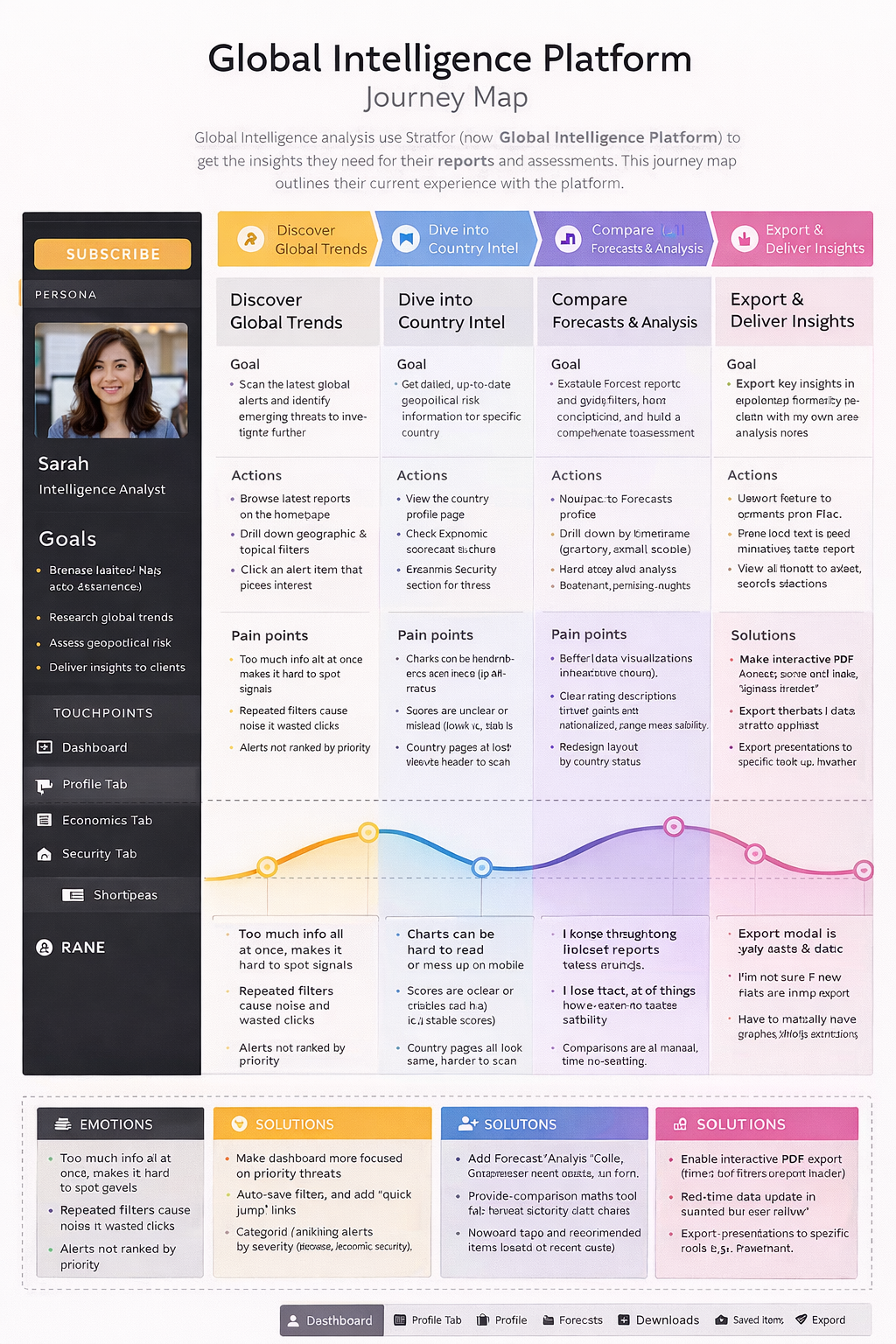
  • Lucid > Diagram > Personas

“Stratfor’s Worldview platform, delivers geopolitical intelligence and risk analysis. The challenge wasn’t just designing a dashboard—it was transforming a content-heavy system into a decision-support platform for global risk.”

Project Goals

  • Redesign and enhance user profile and customization features

  • Introduce scalable dashboard architecture

  • Improve user navigation, filtering, and personalization

  • Support multi-role users (analysts, researchers, non-technical users)

  • Enable data-driven workflows for intelligence consumption

Problem Statement
Stratfor’s existing platform lacked:

  • Flexible user-specific customization

  • Efficient search and filtering mechanisms

  • Scalable interaction models across devices

  • Clear information hierarchy for complex datasets

Solution Summary
Led UX design in collaboration with Senior VP of Product:

  • Define end-to-end UX workflows

  • Establish design system foundations

  • Deliver interactive prototypes and UI libraries

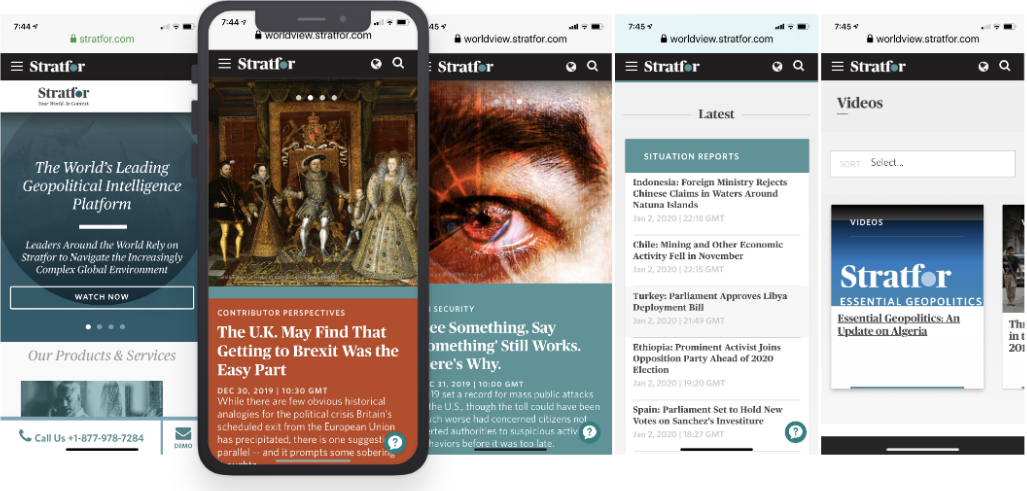
  • Enable cross-platform consistency (desktop, tablet, mobile)

  • Support advanced filtering + comparative analysis
“The biggest issue was cognitive overload. Users—primarily analysts and business leaders—were dealing with hundreds of reports, but no clear way to identify what actually mattered.

They had to manually connect events, assess risk, and compare scenarios across regions. That’s a high-friction, high-stakes workflow.”

Process strategy

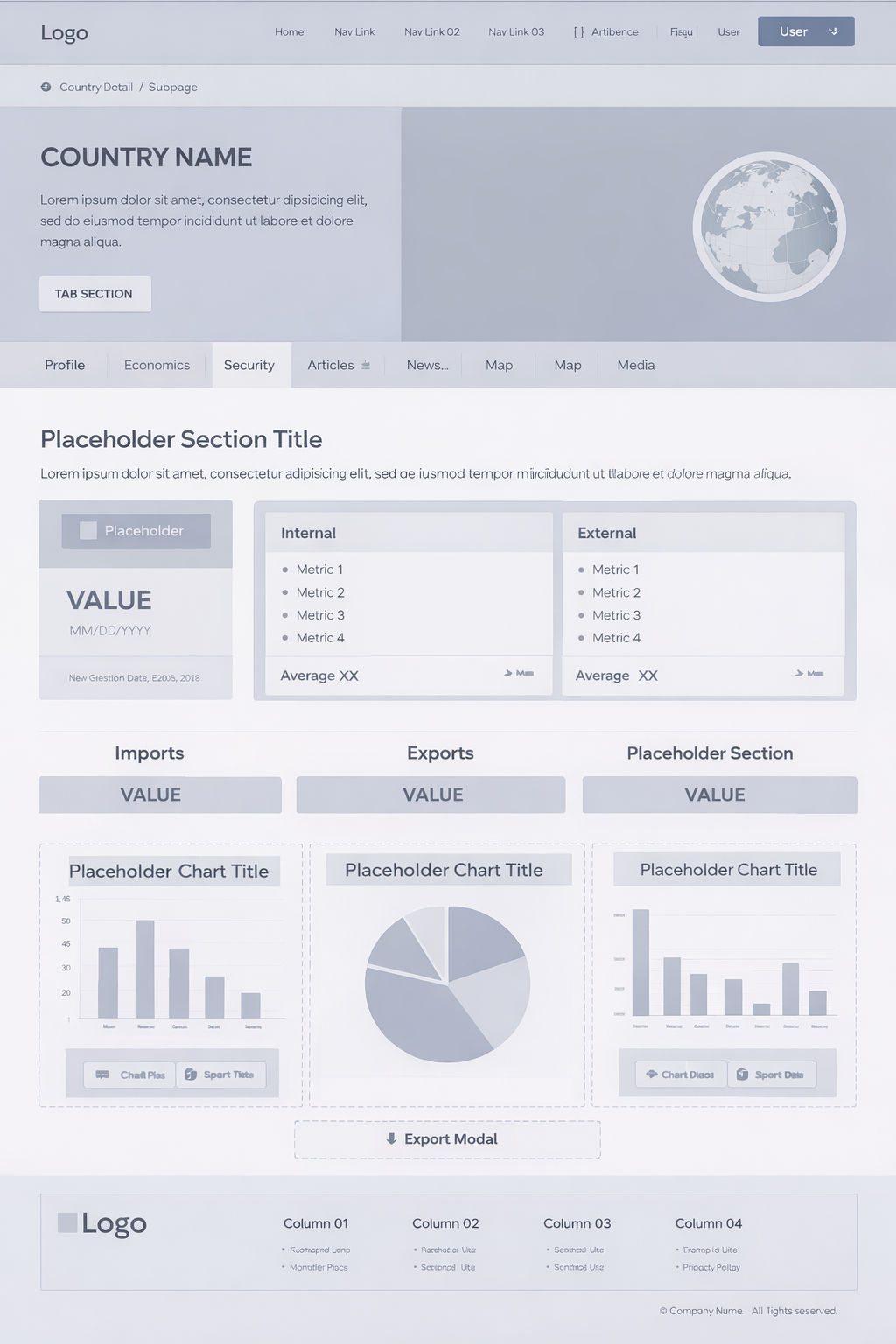
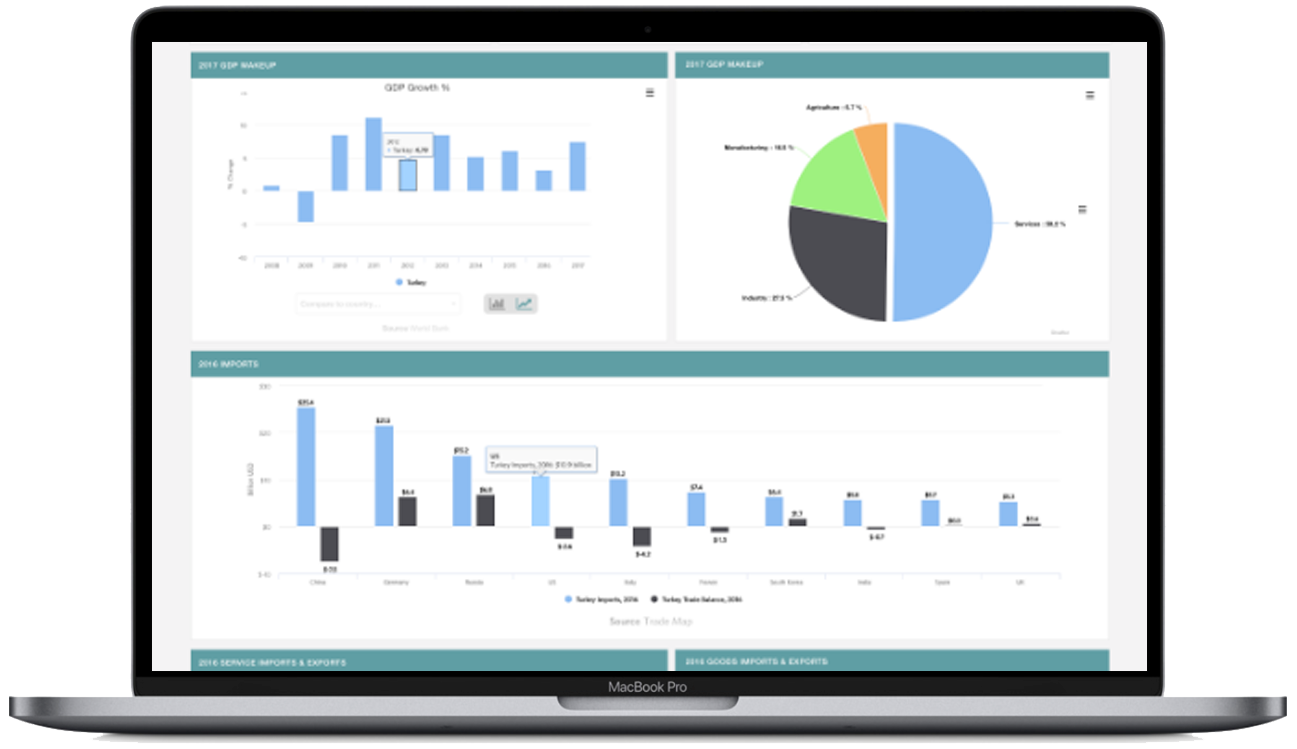
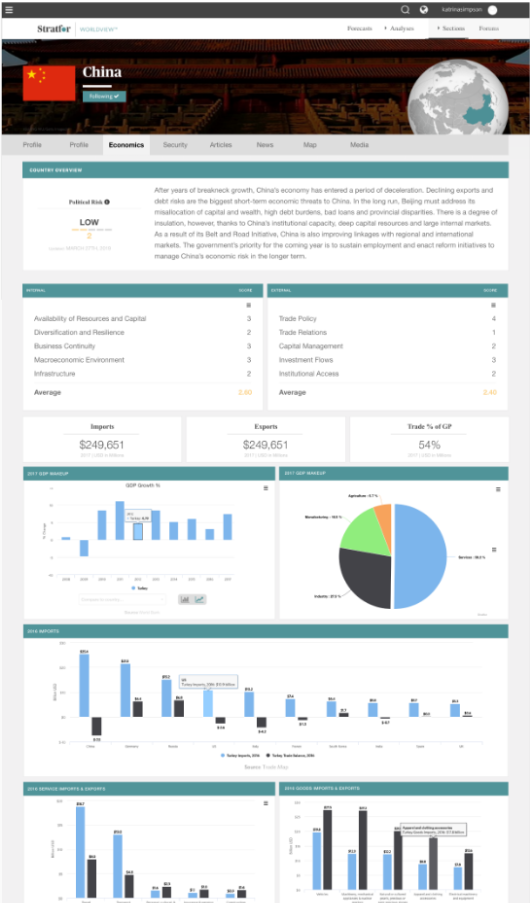
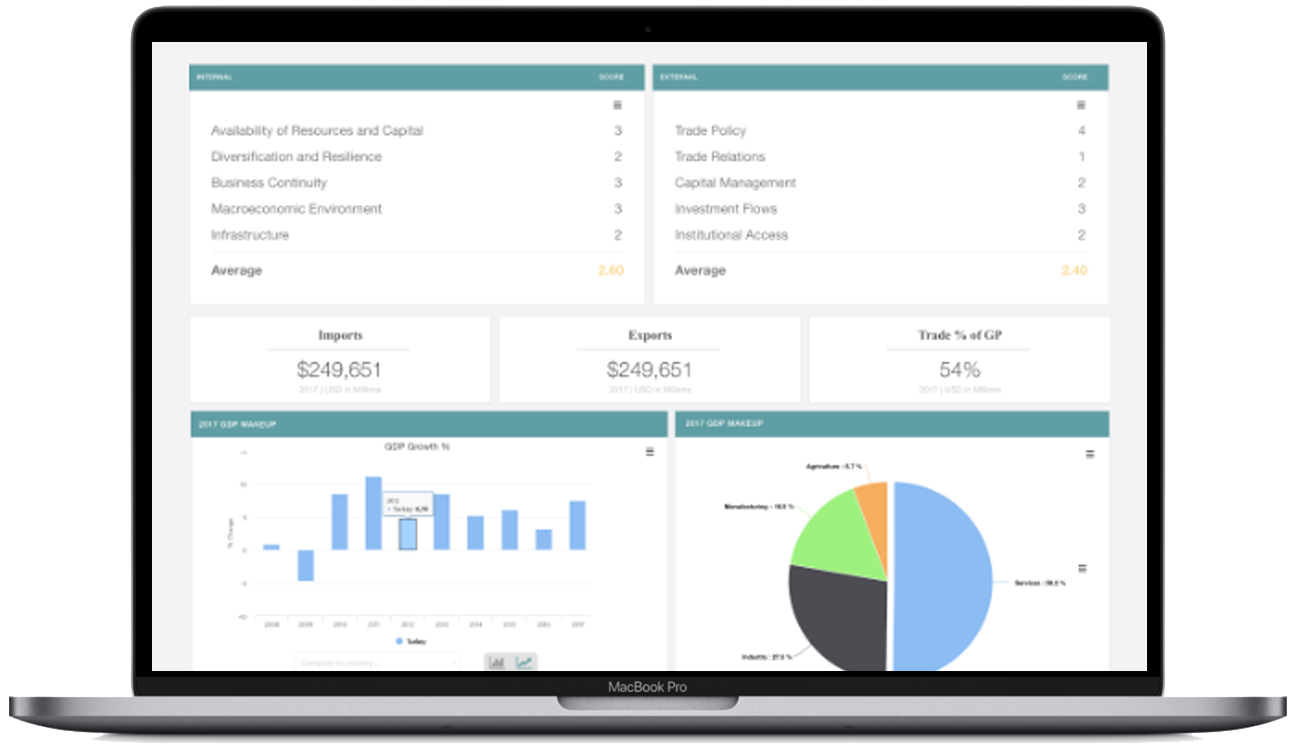
Approached this as a systems design problem by restructuring the information architecture around how analysts think—region, theme, risk type, and time horizon—then designing a Threat Lens dashboard to surface active and emerging risks, introducing advanced filtering and comparison tools to support analysis workflows, and building personalization features so users could track what mattered most.

Key features

Deliver a centralized Threat Lens dashboard for real-time risk visibility, enable multi-dimensional filtering to reduce search friction, provide side-by-side comparison tools to support decision-making, and establish a personal workspace for saving and tracking intelligence.
“The key insight was that this wasn’t a content problem—it was a signal detection problem.

Users didn’t need more information. They needed structured insight and prioritization.”

Big ideas, real impact.

I approached this as a systems design problem by restructuring the information architecture around how analysts think—region, theme, risk type, and time horizon—then designing a Threat Lens dashboard to surface active and emerging risks, introducing advanced filtering and comparison tools to support analysis workflows, and building personalization features so users could track what mattered most.

  • “The biggest issue was cognitive overload. Users—primarily analysts and business leaders—were dealing with hundreds of reports, but no clear way to identify what actually mattered.

    They had to manually connect events, assess risk, and compare scenarios across regions. That’s a high-friction, high-stakes workflow.”

  • “The key insight was that this wasn’t a content problem—it was a signal detection problem.

    Users didn’t need more information. They needed structured insight and prioritization.”

  • “I approached this as a systems design problem:

    • First, I restructured the information architecture around how analysts think—region, theme, risk type, and time horizon

    • Then I designed a Threat Lens dashboard to surface active and emerging risks

    • I introduced advanced filtering and comparison tools to support analysis workflows

    • And I built personalization features so users could track what mattered to them”

“This reduced time to insight significantly and increased engagement with key workflows like comparison and saved intelligence.

More importantly, it shifted the platform from passive content consumption to active decision support.”

Product innovation

This work sits at the intersection of UX, data systems, and predictive modeling, focusing on designing for decision-making under uncertainty—a direction increasingly central to AI-driven products.

Evolution

“If I were to evolve this further, I’d integrate AI-driven summarization and predictive risk scoring to move even closer to real-time decision intelligence.”

Big Ideas,
Real Impact.

Driven by curiosity and built on purpose, this is where bold thinking meets thoughtful execution. Let’s create something meaningful together.

Understanding the Problem Space: Who are our customers? What do they want? Why are they frustrated?

Linda Green

  • 40-year-old mom of 3, focused on maximizing family travel rewards.

  • Tech-savvy Chase customer seeking low-fee, high-perk travel cards.

  • Needs a clear, personalized way to compare credit card options.

Problem Statement

Linda finds credit card comparisons overwhelming and not family-focused. She needs a simple, tailored tool to identify the best travel rewards card for her lifestyle.

Research, Competitors and Analytics: Measuring user interactive models and placement

Our next step involved further research to create and demonstrate potential solutions. Our methods involved competitive research through the study of comparison tools in various platforms—e-Commerce and other banks—and user interviews. We also took advantage of existing user research concerning comparison tools. This research noted how users interact with the information presented in tables, both on mobile and desktop formats.

What we learned: We discovered that to create a great comparison tool the key is to demonstrate at least two products side-by-side. Based on our research, we concluded that there is no benefit in showing more than 3 or 4 products at one time—since if one needs to focus on more than 4 items, the task of retaining all pertinent information can become challenging. Therefore, there is higher risk of making the wrong selection.

UX Challenge

Another interesting discovery involved our user types. We learned that we can divide our users into two groups—represented by 'A' and 'B.' Users from group A are detailed-oriented—their decision making process involves researching their options fully before making a decision. They don't mind consuming lots of information in order to find their answer. This group also enjoys employing help of technology during their research. Users from group B are more likely to be overwhelmed by a plethora of options. They have an idea of what they want and seek options that are related to their preconception. They don't like to spend time on details; aiming to pick an option as fast as possible.

UX Solution

After getting to know our users, we came up with two solutions for each group in order to help them in their decision-making process. We used Credit Card Comparison Tool for group A–so they can see all the possible options and compare them. Credit Card Selector was employed for group B—wherein we narrow down their options by asking them few questions to understand what are they looking for, and presenting only the relevant options to them.

Research & Insights

  • Maximize rewards: Users want to earn the most points or miles for their spending.

  • Understand perks: Key travel benefits such as airport lounge access, no foreign transaction fees, travel insurance, etc., are essential.

  • Minimize fees: Users are often price-conscious and want a card that offers high value without excessive fees.

Easy application: The process of applying for a card should be straightforward and quick.

Design Phase: Wireframes, Design & Prototyping
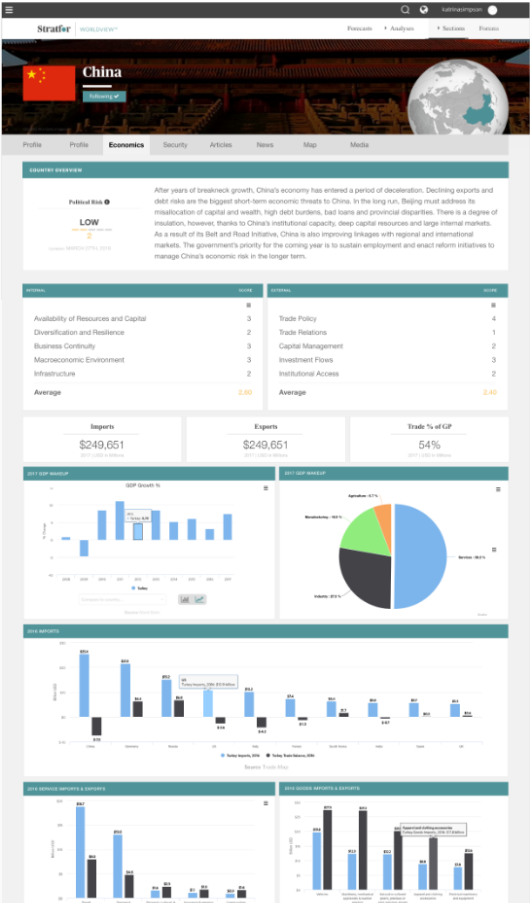
Once we came up with a higher level solution—in this case two answers—we started to work on the details of these application to bring them into fruition.

1. Personalization

  • Tailoring offers and ads based on user account preferences, user habits, and demographics increases relevance and engagement.

2. Ad-Free Upgrade Options

  • Offering tiered personalized promotions where users can opt for ad-free experiences or limited ads gives users flexibility and control.

3. Seamless Integration

  • Ads and Offers that blend naturally into the content, such as product placements or sponsored recommendations, feel less intrusive.

4. Reward-Based Ads placement

  • Offering incentives for user ads, such as discounts, or extended user privileges, motivates users to engage voluntarily.

5. Clear Call-to-Action (CTA)

  • Offers with clear, actionable CTAs (e.g., "Click here for more" or "Scan to learn more") make it easy for users to interact with offers.

6. Enhanced Ad Metrics

  • Providing feedback or visible progress bars for ad completion helps users feel in control.

7. Cross-Device Synchronization

  • Allowing users to interact with ads across devices (e.g., scanning QR codes on their phones) improves accessibility and engagement.

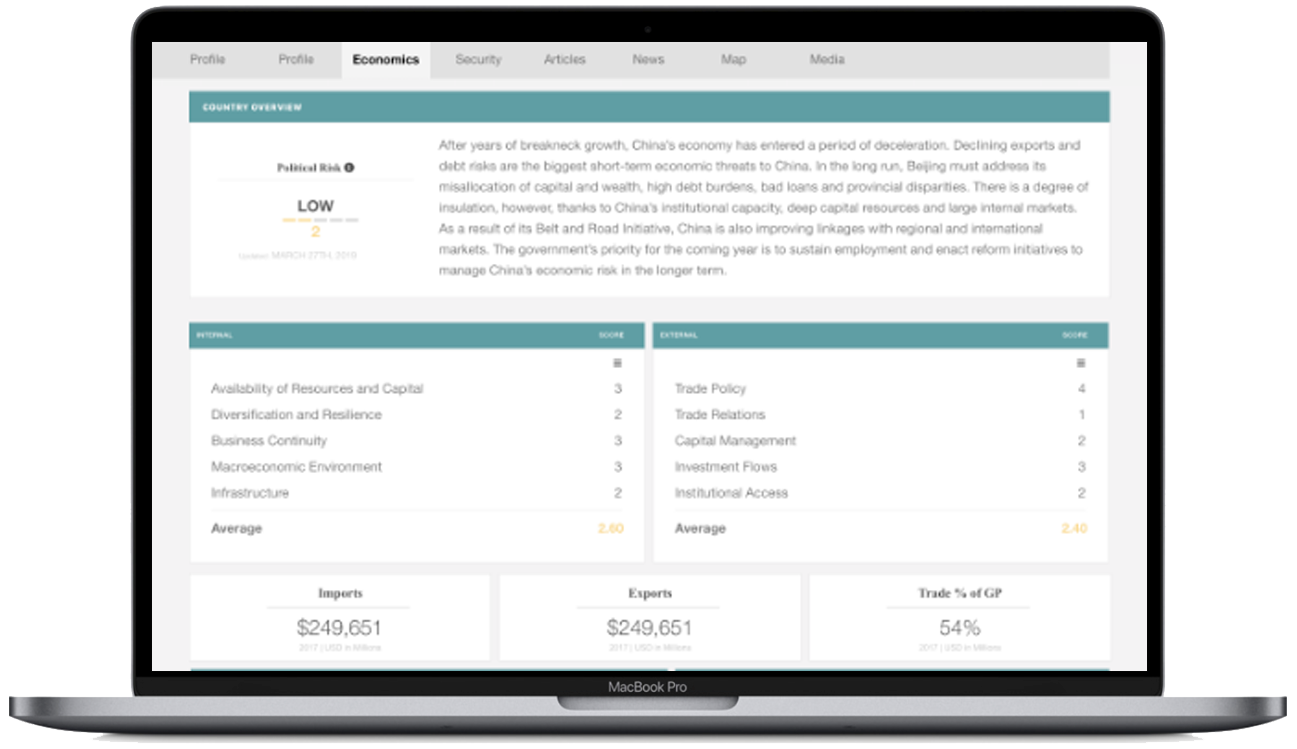
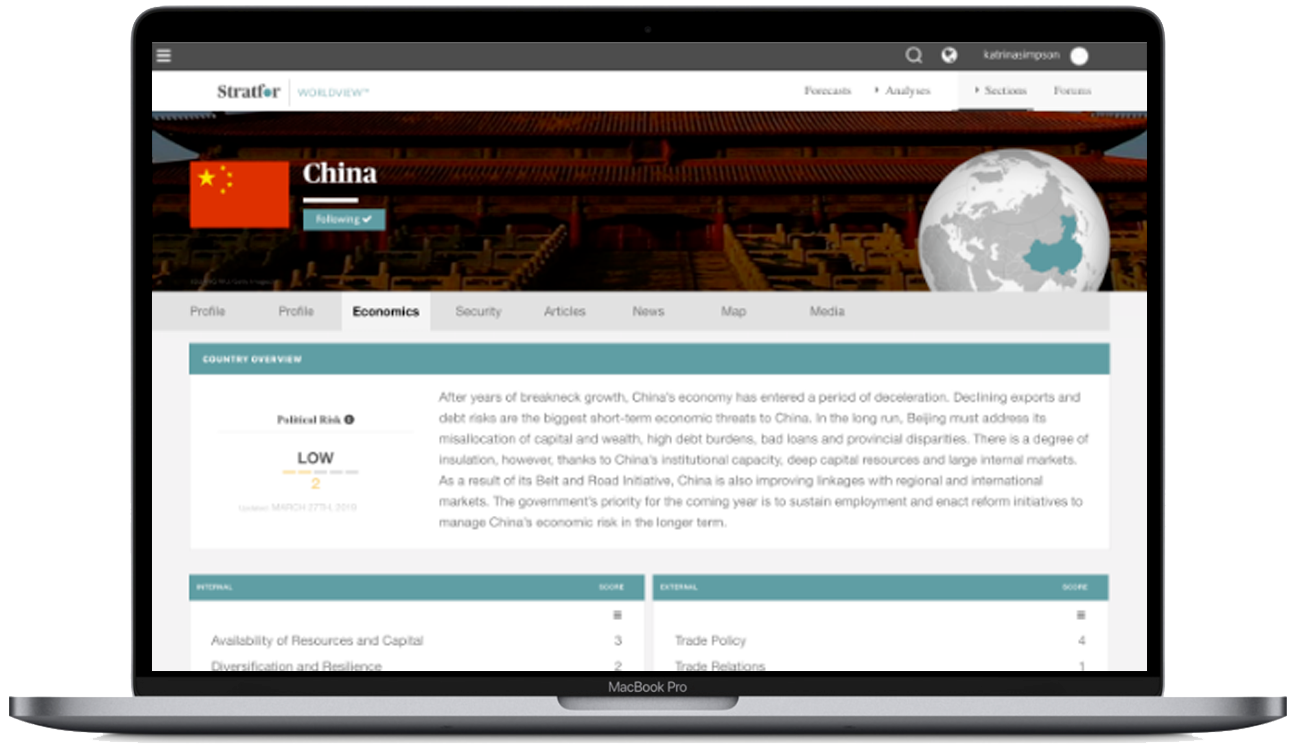
Responsive Web

To create an effective comparison tool, the key is to demonstrate at least two products side-by-side. Based on our research, we concluded that there is no benefit in showing more than 2 or 3 products simultaneously.
Responsive Mobile